Choose a camera mood.
Explore camera eras with different color, grain and light-leak characteristics.
 Nostalgia Camera
Digicam & retro camera looks for iPhone
Choose an era, frame an ordinary moment, and give it a different camera character. Grain, color and unexpected imperfections make room for a little nostalgia.
Free to download · Optional in-app purchases
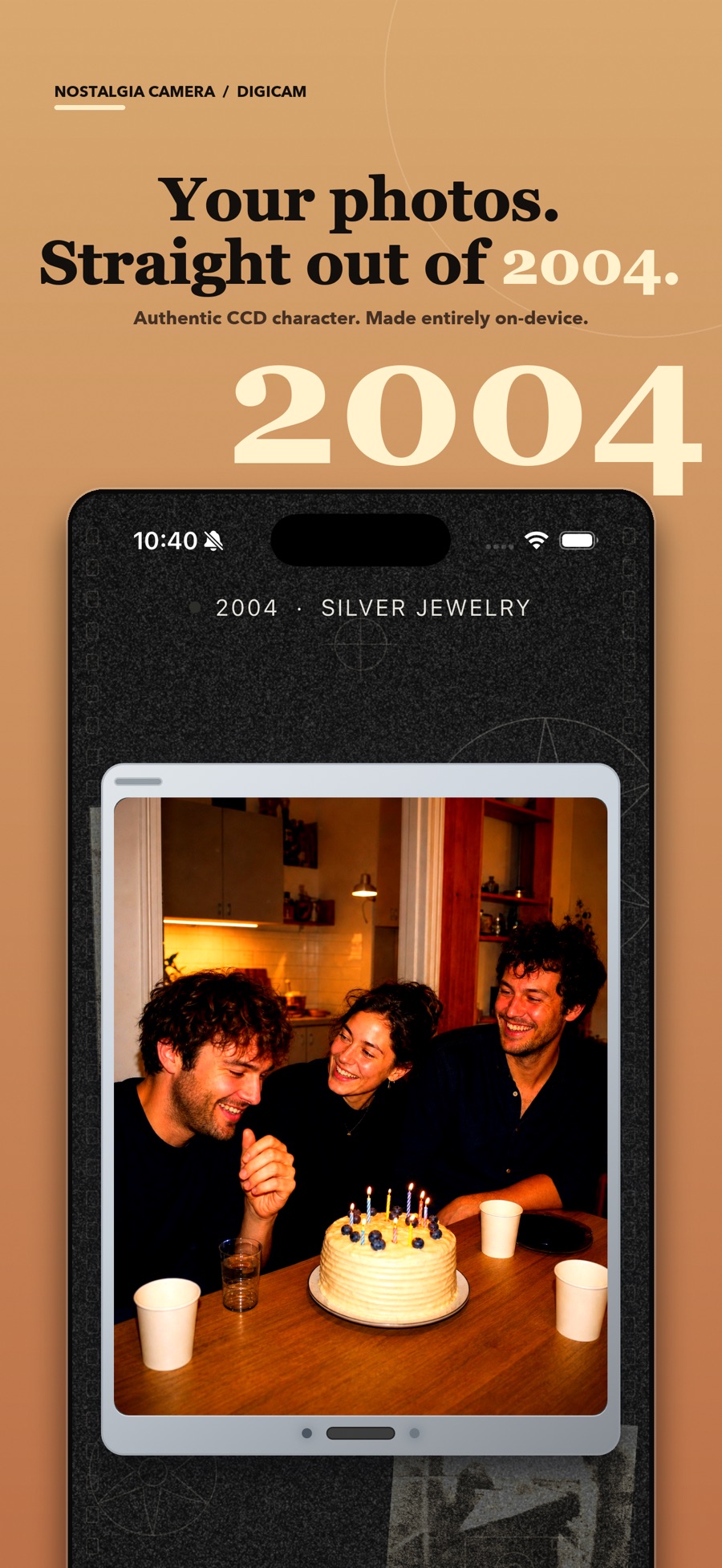 From the current App Store listing
Made for the everyday
Explore camera eras with different color, grain and light-leak characteristics.
Use the live preview to compose around the look, instead of deciding on a style only after the moment has passed.
Shoot without creating an account. Photo processing happens on your device, with optional Home VHS-style video modes.
A practical guide
By Ahmet Kamer ÇİVİ
A small photo walk: six everyday subjects, one camera look, and a way to choose the frames you want to keep.
Try a digicam photo walk ↗Good to know
Free to download, with optional Nostalgia Camera Pro for more eras and color options.
No. These are software looks inspired by older camera aesthetics. The app does not change your phone’s physical camera sensor.
No. You can shoot without an account, and photo processing happens on your device.
No. Optional Pro purchases unlock more eras and color options. Check the app for the current selection and prices.